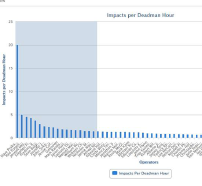
Follow the steps to enlarge a section of the report:
1.Click and drag the cursor across the chart horizontally to highlight the section. An example full sized bar chart appears below:
An example full sized graph chart appears below:
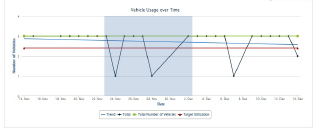
2.Release the cursor to zoom.
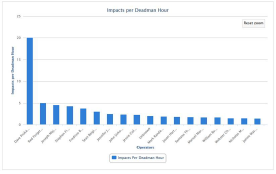
An example bar chart zoomed in appears below:
An example graph chart zoomed in appears below:
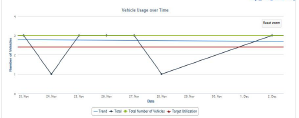
3.To zoom in further, repeat the process.
4.To remove the zoom, click [Reset Zoom] Reset Zoom from the upper right side of the chart.
Related Links